
Blog

Notifying patients about changes to their schedule is a whole other problem. You have to make sure they know when and where to go for their procedure. The price of mistakes here is long queues, missed procedures, and unhappy guests. What if we told you that you can press just one button, and all of your patient’s prescriptions for the next two weeks are automatically added to a schedule? Let’s take a look at how it works with Jivi.
Treatments Included in the Treatment Package
An attending physician needs to make sure a patient has no contraindications for their procedures. If there are none, a doctor just presses the auto-schedule button, and all the treatments are evenly distributed across a patient’s entire stay. Their treatment program passage is then recorded in their electronic medical record.
Technology optimizes the workflow, but expertise comes from continuous learning. The Jivi LinkedIn page is a valuable resource for professionals in hospitality and wellness, including executives, managers, marketers, and doctors. We cut through the noise to deliver insights that matter:
- In-depth articles and case studies
- Latest industry trends and news
- Practical tools and smart approaches turned into simple how-to guides
- Ready-to-use checklists and forms to save your time

Rules
To make sure the system makes no mistakes, you need to give it a set of rules to follow:
- Standard rules, which are built into the system by default. For example, it will consider a specialist’s work schedule. If a massage therapist only works on Tuesdays and Wednesdays, the system will not schedule a massage for Monday.
- Custom rules, which are set up when the system is installed. These are based on your property’s processes and services. If patients with a certain type of treatment package always get morning slots, the system will follow that rule. The same goes for treatment compatibility. If electrophoresis can’t be done on the same day as balneotherapy, the system schedules them on different days.
- Patient preferences. For example, a guest prefers to start their morning with a walk or wants a specific staff member to do their procedure. With just a couple of clicks, the rule is set for that patient.
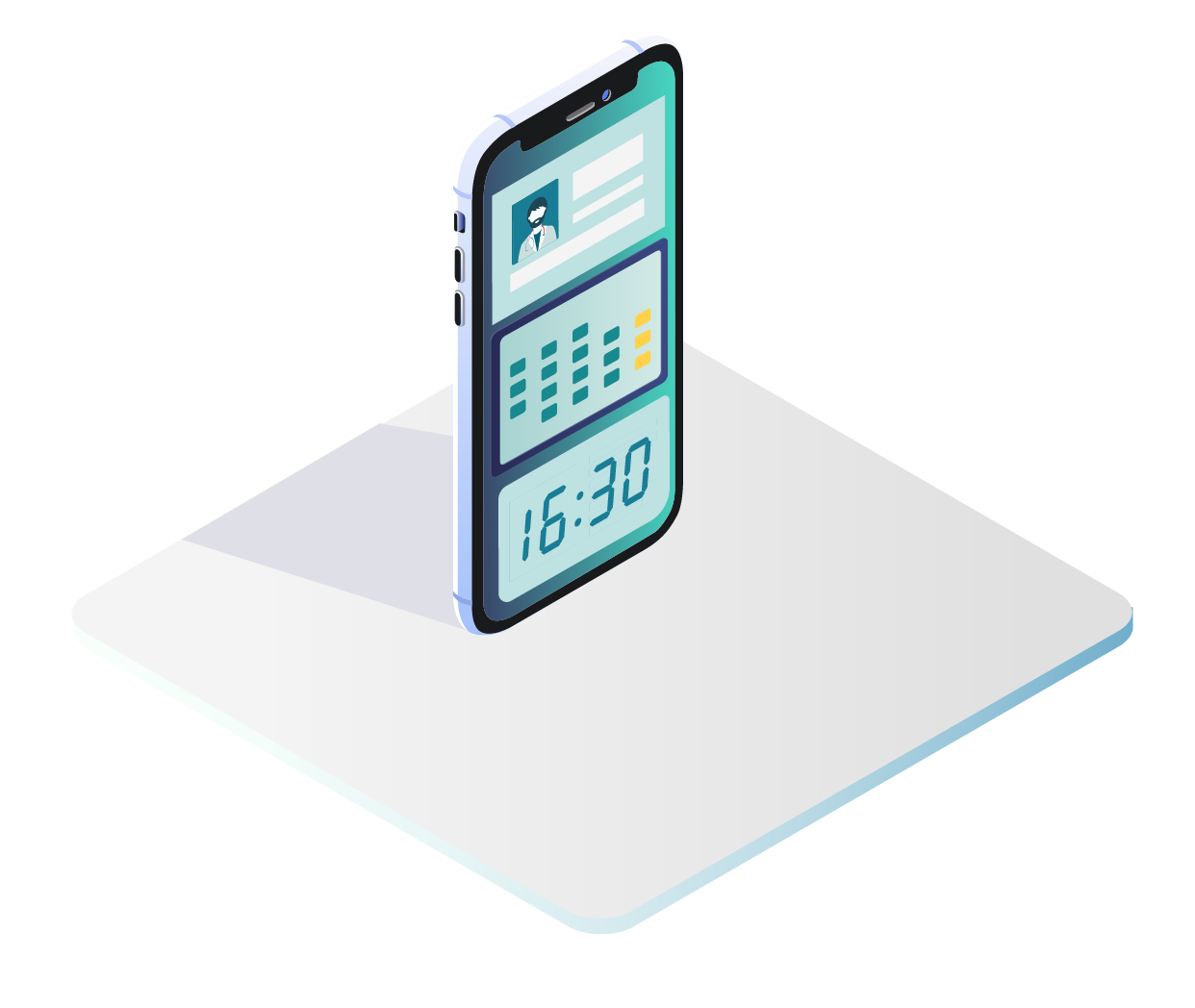
Automatic appointment dispatching also prevents double-booking. So, a list of doctor-approved treatments is ready, and a patient’s preferences are set. All that is left is to click the auto-schedule button. A few seconds later, a schedule can be printed or viewed in a guest’s mobile app.
How much does a health facility multidimensional automation cost? It depends on several parameters. Fill out a short form to find out. As a bonus, you will get a calculation template «7 customer service indicators».
Additional Paid Treatments
When a guest is recommended to buy extra procedures, they can easily be added to their existing schedule from a doctor’s computer. The system finds an available time slot and updates their schedule based on the rules you have set.
The End Result
- Saving staff time. A few seconds instead of 30–40 minutes per patient.
- No more human error. No double-booking or scheduling incompatible treatments.
- No queues. With an electronic schedule, patients do not have to wait around. They can even have an extra procedure.
- Fair workload for staff. The system distributes patients evenly and does not overload staff members.